

cognitiveSEO is known as an all-in-one SEO platform, but this review is intentionally narrow.
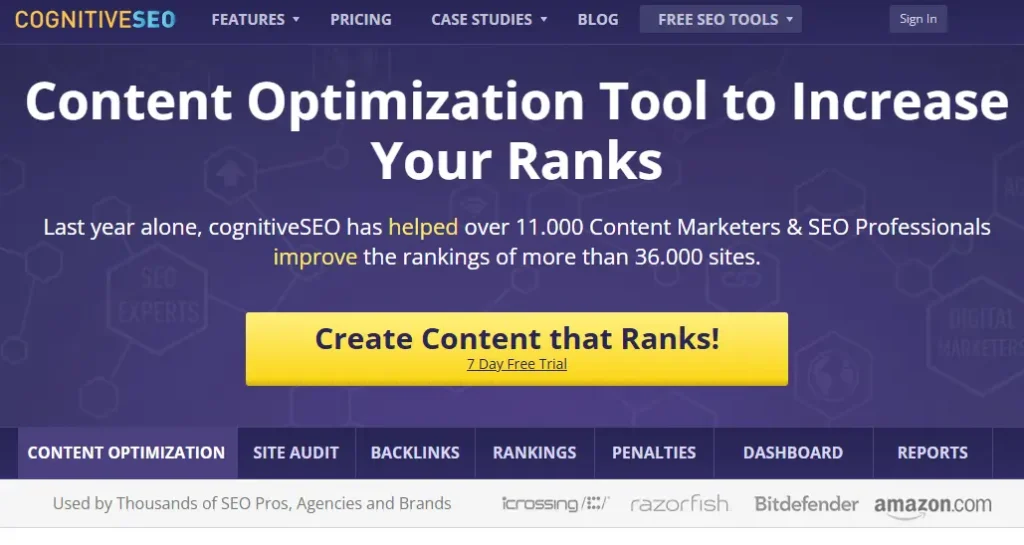
We’re only looking at the content optimization workflow, specifically how the Keyword Tool + Content Assistant help you research what’s ranking, build a content plan, and optimize a draft to better match search intent.
If you’re evaluating content optimizers, you’re usually trying to solve one of two problems:
- You want a faster way to turn SERP patterns into a clear outline and brief.
- You want practical, on-page guidance while you write, so you don’t publish and pray.
That’s the lens for everything below.
Quick summary
cognitiveSEO’s content optimization workflow is built around a simple loop: pick a topic, analyze what’s ranking, then optimize your content based on recurring terms and coverage patterns.
It’s especially helpful when you’re refreshing existing pages, building a structured brief quickly, or you want content optimization inside a broader SEO toolkit.
Where it’s especially helpful
- Refreshing older pages that are underperforming due to thin coverage or missing sections
- Turning research into a writer-friendly checklist and outline
- Teams that want content optimization alongside other SEO functions, instead of stacking multiple tools
What cognitiveSEO’s content optimization tool is
Think of cognitiveSEO’s content optimizer as a research-to-guidance system:
- Keyword discovery and filtering to find related terms and shape topical coverage
- SERP-driven recommendations based on pages that already rank for the query
- Content Assistant suggestions that highlight gaps and improvement opportunities
The goal isn’t to write for you. It’s to reduce guesswork so your content is more likely to match what users expect when they search.
Who it’s best for
Best for
- SEOs and agencies that want a structured way to optimize content based on what’s already ranking
- Writers who prefer starting with an outline and a checklist instead of a blank page
- Teams that want a single platform feel, rather than stitching together research and optimization tools
Who may need more
- Teams that want a cleaner, writer-first brief → draft → optimize experience with fewer steps
- Agencies that need a scalable workflow across many clients, writers, and content types
- Anyone who tends to “score chase” and needs guardrails that keep optimization aligned with intent and readability
Feature Breakdown
1. Keyword research that feeds optimization
cognitiveSEO’s Keyword Tool is designed to support content planning, not just keyword lists.

The best way to use it is to build a focused set of terms that represent the topic, intent, and subtopics you actually need to cover.
What you’ll do here
- Start with your primary query and pull related terms
- Filter out irrelevant variations and intent mismatches
- Keep a shortlist that reflects real sections you’ll write, not just extra phrases to stuff in
Quick SOP
- Identify search intent (informational, commercial, or mixed).
- Keep only keywords that match that intent.
- Group the remaining terms into likely H2/H3 sections.
This step matters because it determines whether your optimization later feels natural or forced.
2. Content Assistant recommendations (gap-driven guidance)
This is the core of the content optimization experience.

The Content Assistant evaluates your content against top-performing pages and highlights opportunities to improve topical coverage.
In practice, it helps you answer questions like:
- What subtopics do the ranking pages consistently include that mine doesn’t?
- Where is my coverage too thin compared to what users expect?
- What terms and concepts are missing that indicate incomplete topical relevance?
Used correctly, this is less about “use these words” and more about “cover these ideas.”
3. Content performance scoring and benchmarks
cognitiveSEO uses a content performance style score as a benchmark.

Treat it like a directional indicator, not a promise. The value is in the workflow it forces:
- You get a clear signal when your content is missing expected coverage
- You get an optimization checklist that’s easier to execute than a vague “make this better” note
- You get a consistent standard across writers and editors
Best practice: use the score as a stoplight, not a finish line. If you chase a number without judgment, you’ll inflate word count, repeat ideas, and lose clarity.
4. Workflow fit for teams
Where cognitiveSEO can work well is when you need a predictable, repeatable process:
- A strategist or SEO sets the intent and outline
- A writer drafts based on the recommended coverage
- An editor polishes for clarity, voice, and accuracy
- The SEO does a final pass for internal linking and publish readiness

If your team already has defined roles, cognitiveSEO can act as the “source of truth” for what the content needs to include.
Real-world use cases
- Content refreshes: update an older post with missing sections, weak coverage, and outdated structure
- Service page optimization: tighten topical relevance for commercial pages without rewriting from scratch
- Editorial consistency: create a repeatable coverage standard for multiple writers
- Cluster planning: identify which missing subtopics should become supporting articles instead of bloating one page
- Team adoption note: reviewers often mention it’s feature-rich, but can feel overwhelming at first.
Performance notes, learning curve, and pitfalls
Learning curve: moderate. Most of the learning isn’t clicking buttons, it’s learning when to stop.
Common wins
- Faster briefs and fewer revision loops
- Better alignment with SERP expectations
- Clearer coverage of essential subtopics
Common pitfalls
- Over-optimizing for a score and hurting readability
- Adding terms without actually improving the section’s usefulness
- Inflating word count to “look competitive” instead of writing with intent
A simple rule helps: if you can’t justify why a section helps the reader complete the task behind the query, it probably doesn’t belong.
Pricing
cognitiveSEO typically bundles content optimization inside its broader suite, so pricing is tied to plan tiers rather than a standalone “content optimizer only” product.

If you’re mainly buying for content optimization, make sure the plan you choose matches your expected content volume and workflow needs.
Pros & cons
Pros
- SERP-informed recommendations that help you close coverage gaps
- Keyword research that connects naturally into the optimization process
- Useful for refresh workflows where you need a practical checklist
Cons
- It can push some users toward “checklist writing” if they don’t apply editorial judgment
- The experience may feel less writer-first than dedicated content optimizers
- If you need a streamlined brief → draft → optimize workflow at agency scale, you may want a more purpose-built system
Where cognitiveSEO fits among content optimizers
cognitiveSEO makes the most sense when you want content optimization as part of a broader SEO toolkit, and you’re comfortable using SERP-driven guidance to shape coverage.
If you’re comparing platforms, you’ll usually see cognitiveSEO evaluated alongside other options in roundups of the best content optimization tools for SEO. The main question is whether you want a suite-first tool (cognitiveSEO) or a dedicated optimizer that’s built around a smoother writing workflow.
A strong alternative if you want a more streamlined content optimizer
If your primary goal is content production speed and consistency, it’s worth looking at tools designed specifically around the brief → draft → optimize loop.
One option that stands out here is Rankability’s Content Optimizer. The difference is mostly workflow: it’s built to keep the writing process moving while still enforcing topic coverage and search intent alignment, which can be a better fit for agencies producing content across many clients and writers.
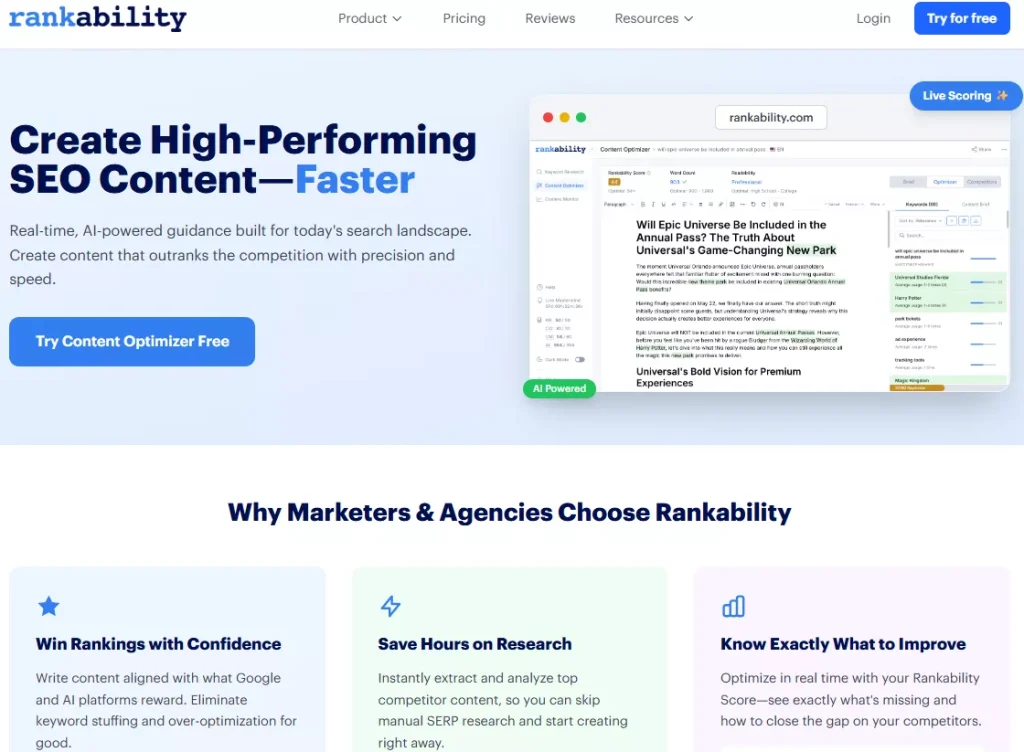
Pick cognitiveSEO when you want content optimization inside an all-in-one SEO platform and you’re using it heavily for refreshes and coverage gap improvements.
Pick a dedicated optimizer when you want a cleaner writer experience, faster briefs, and a production workflow that scales with fewer handoffs.
FAQ
Is cognitiveSEO a dedicated content optimization tool or part of a larger platform?
It’s part of the broader cognitiveSEO suite, but you can use the Keyword Tool + Content Assistant primarily for content optimization.
Does the content score guarantee rankings?
No. Treat it as a benchmark to spot missing coverage and gaps versus top-ranking pages, not a promise of results.
Is it better for updating existing content or creating new content?
It’s strong for content refreshes because it quickly surfaces missing sections and topics, but it can also support new content if you start with a clear intent and outline.
Can cognitiveSEO replace a writer or editor?
No. It helps with research-driven guidance and optimization suggestions, but a human still needs to write for clarity, accuracy, and intent.
Is it useful for service pages or mostly blog posts?
It can work for both. The key is aligning the keyword set and recommendations to the page’s intent, especially for commercial pages.
What’s the biggest mistake people make with content optimization tools?
Chasing a score and forcing keywords into the copy instead of improving coverage, structure, and usefulness.
Verdict
cognitiveSEO’s Content Optimization Tool is a practical, SERP-informed way to tighten topical coverage and improve on-page relevance, especially for content refreshes and teams that want content optimization inside a larger SEO platform.
If you already use cognitiveSEO for its broader toolset, the content workflow is a solid add-on that can reduce guesswork and help standardize what “good” looks like across writers. Just don’t confuse a higher score with better content. Use the recommendations to improve coverage and clarity, then let real editorial judgment determine what ships.
And if your main priority is a smoother brief-to-draft optimization workflow built specifically for content production, it’s worth comparing a dedicated optimizer like Rankability’s Content Optimizer alongside cognitiveSEO before you decide.