
Automate
Keep your AI SEO content moving on schedule
Choose approved topics, set a cadence, and let Rankability create the next draft. Keep your agency in control of the content queue and where the work is delivered.
Request a demo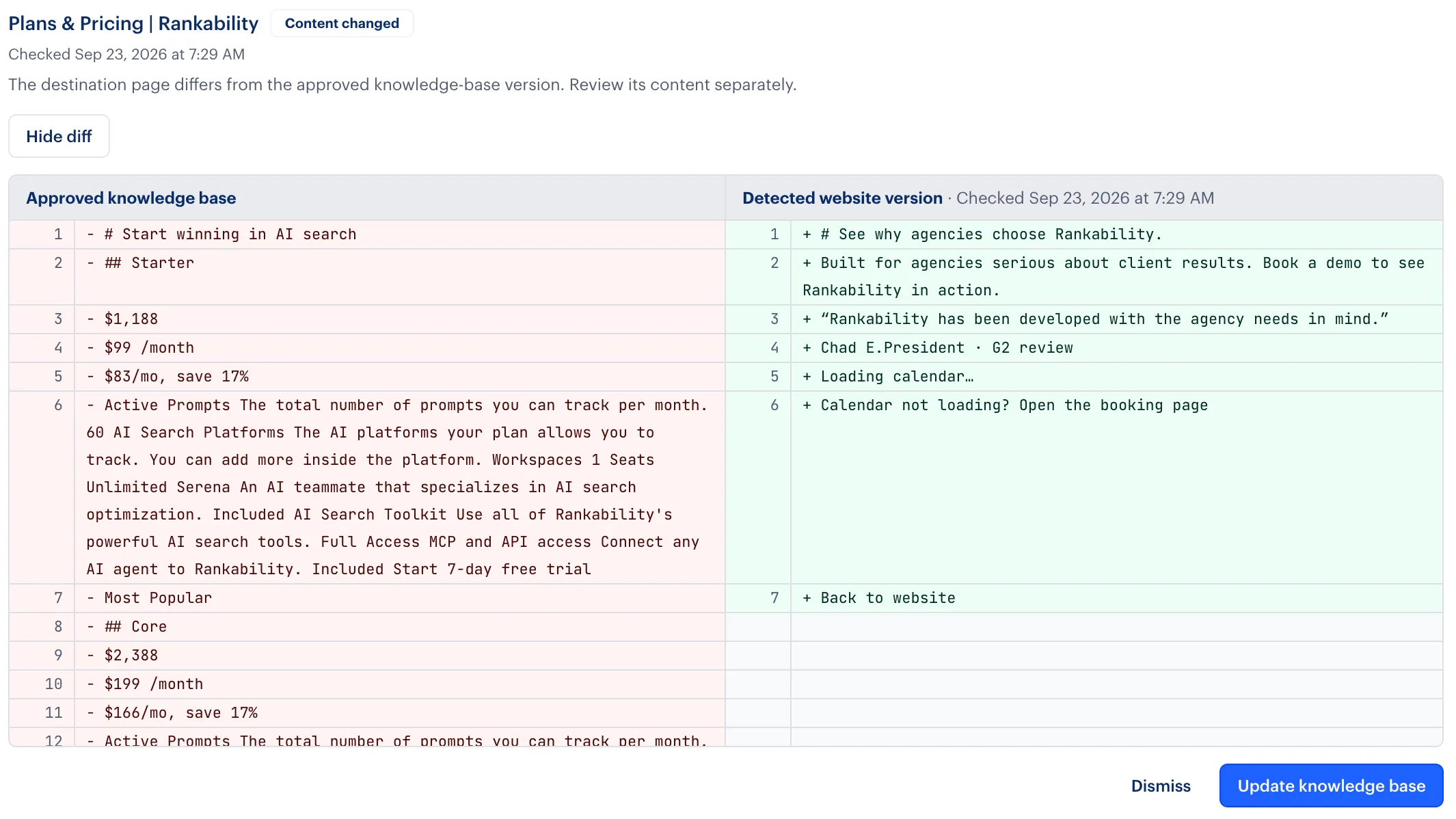
Supporting agencies and the brands they serve






Turn saved research into a working content queue
Send qualified topics from saved Research to a client’s content schedule. Reorder pending topics, add guidance, and choose where each finished draft should go.
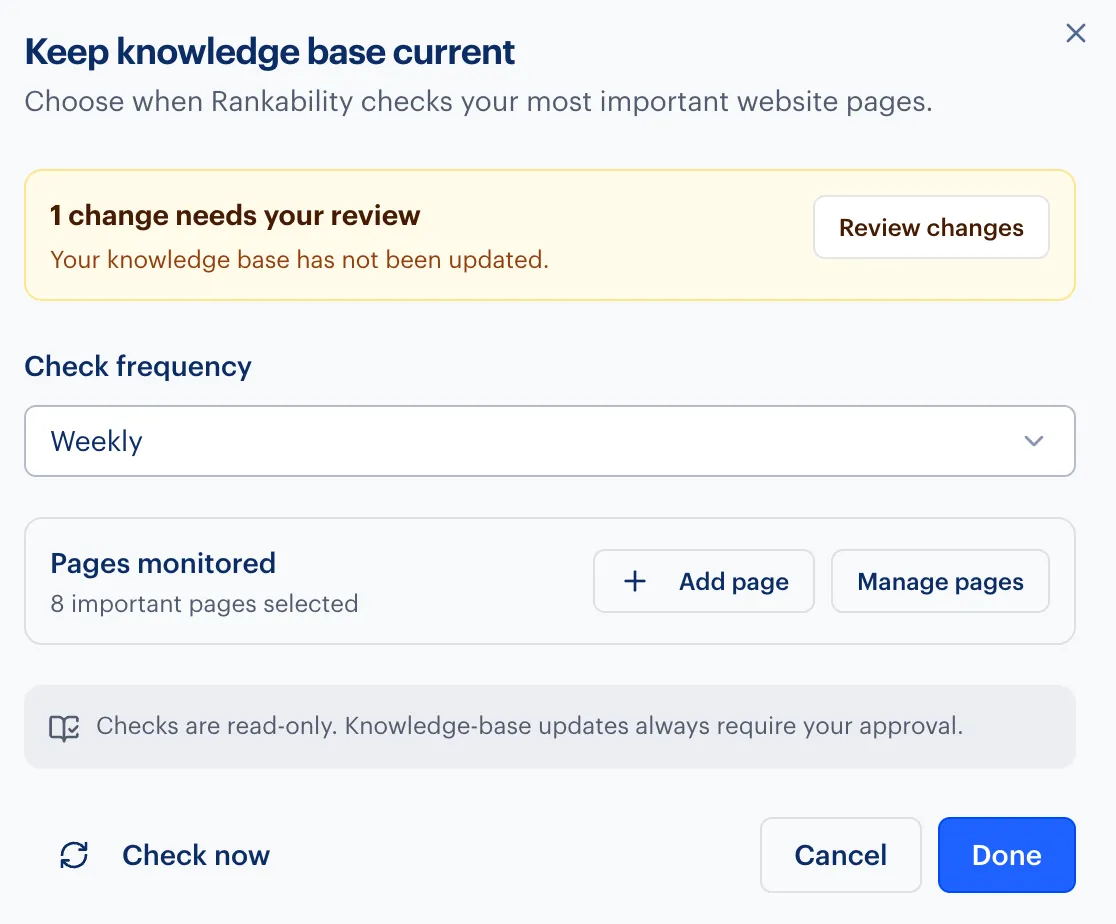
A separate knowledge-monitoring workflow can check approved website sources for changes and hold updates for your review.
Your agency’s workflow
Set the direction, then review the work
Approve the topics
Queue saved Research keywords or add manual topics for the client.
Choose cadence and delivery
Set daily, weekly, or monthly creation and select the connected destination.
Review the results
Open completed projects, check drafts before publishing, and resolve failed items when needed.

“Rankability has been developed with the agency needs in mind. The ability to provide access to my writing team has been fantastic, and the functionality was very intuitive for the team to jump into right away.”
Questions about Automate
Where can drafts be delivered?
Choose Projects, or Projects with a connected WordPress, Webflow, or GitHub destination. GitHub delivery creates a reviewable pull request rather than merging it.
What happens when Research topics run out?
The schedule uses manual fallback topics from its settings. Add more qualified Research topics to control the next work.
Can I pause a schedule?
Yes. Turning a schedule off stops future scheduled runs without deleting its settings, queue, or existing projects.
Does knowledge monitoring replace sources automatically?
No. Detected changes wait for review. Apply the update when the new information is correct, or keep the approved version.
Bring your agency’s content schedule
Bring a client campaign to your demo. See how this workflow could fit your agency’s AI SEO services.
Request a demo