
Optimize
Improve the pages your clients already have
Compare an existing page with current search competitors, identify missing coverage, and revise it in Rankability. Give useful client content a clearer role in your AI SEO campaign.
Request a demo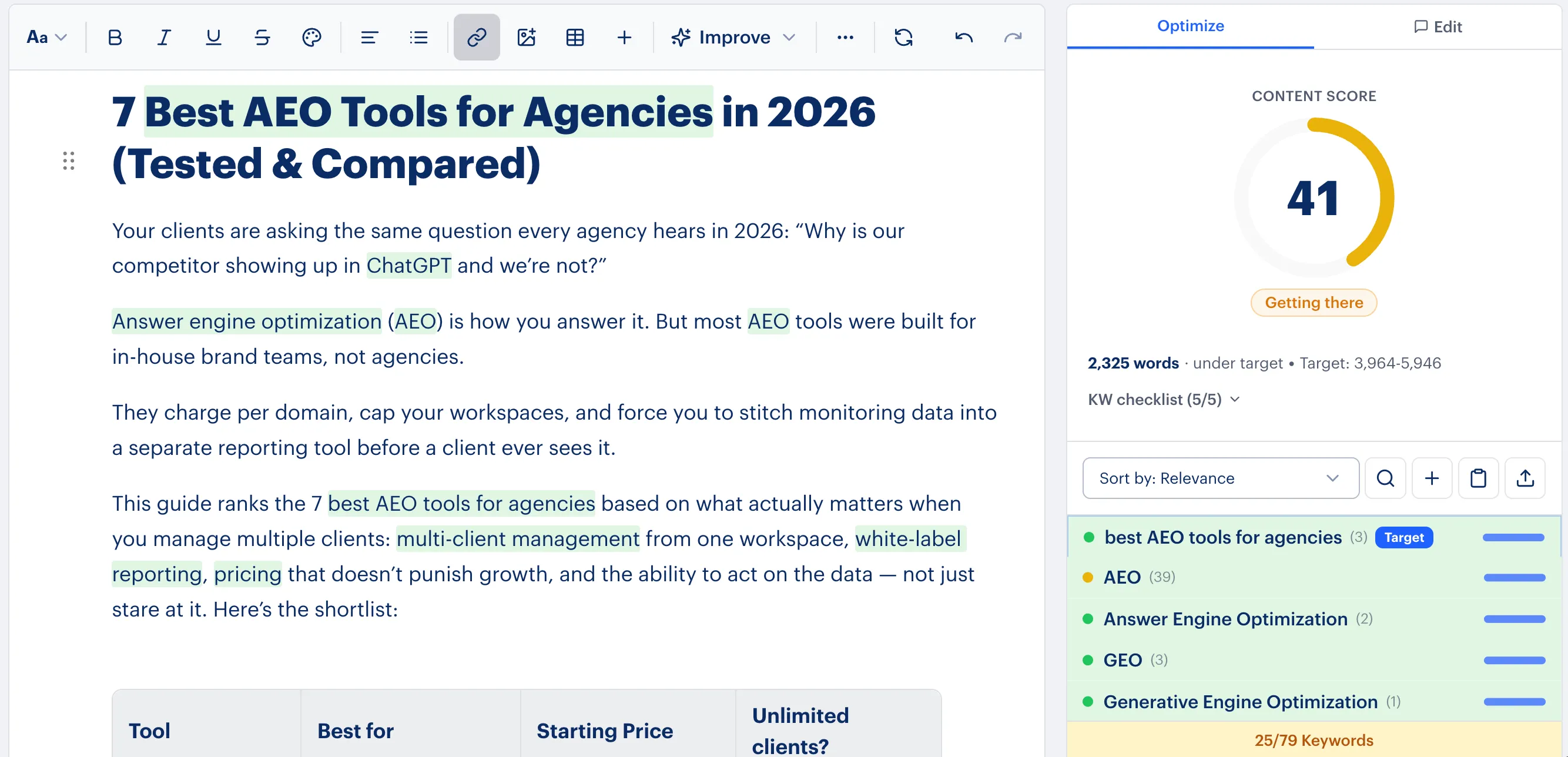
Supporting agencies and the brands they serve






Make focused improvements in the editor
Import a published page and review the available competitor research, topics, content score, and guidance beside the content. Use the evidence to decide what the page needs to answer more clearly.
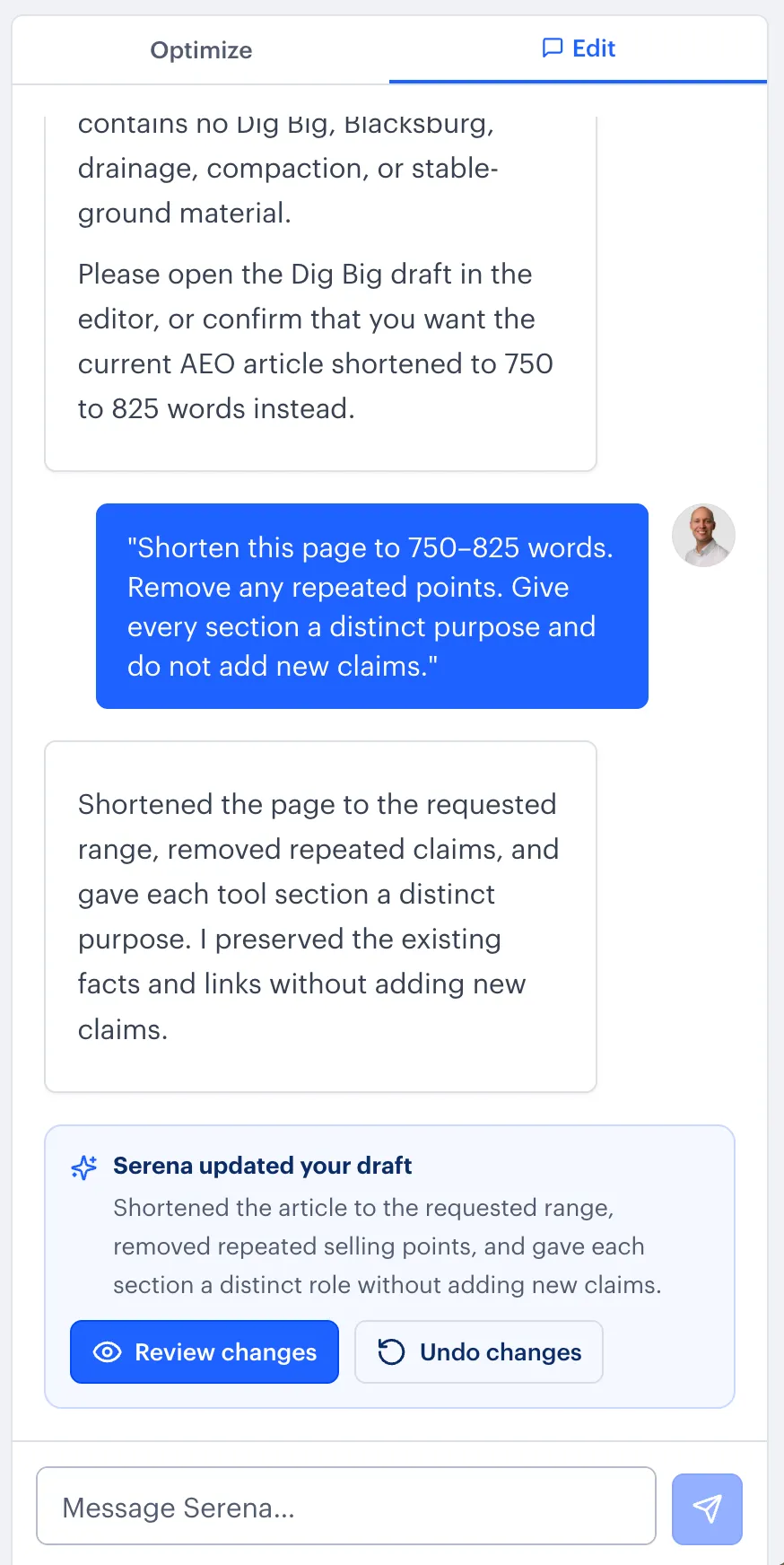
Edit the content yourself or ask Serena for a scoped revision. Review the full page before exporting or publishing.
Your agency’s workflow
From existing page to reviewed revision
Analyze the right page
Enter its public URL and target keyword. Confirm the language, location, and research sources.
Revise with context
Review topic coverage and competitor evidence, then improve the imported content in the editor.
Review and deliver
Check the facts, links, and client voice before moving the revision to the website.

“Rankability is simple to use, extremely clear on what improvements can be made, and includes tools to make those improvements to the content!”
Questions about Optimize
Will this change my live page automatically?
No. Importing and editing a page does not update the website. Your team deliberately exports or uses an available publishing workflow.
How is Optimize different from Audit?
Optimize brings existing content into the editor for revision. Site Auditor diagnoses issues across a website; Page Content Auditor provides a diagnostic report for one page.
What does the content score tell me?
Use it as directional guidance alongside topic coverage and competitor evidence. Review the content’s accuracy and fit for the client before publishing.
Bring a page you want to improve
Bring a client campaign to your demo. See how this workflow could fit your agency’s AI SEO services.
Request a demo